
I will preface this acronym-laden post by saying this project is not for the faint of heart, particularly in households with more than one individual. I’d like to thank Mrs. NickelDime and the NickelDime children for their patience and support of what would be considered sheer madness in many homes.
Last week, I canceled our cable TV service from AT&T.
There were a few drivers:
1) Cost savings.
2) Utilization. When we took a close look at the recorded programming on our DVR, it represented a tiny portion of the content we paid for.
3) Movement of content online. Directionally, more and more programming is available via the internet.
4) Over the Air High Definition broadcast (OTA-HD). The quality is rumored to be amazing. Jeff’s post piqued my curiosity on the availability of over-the-air HD – particularly since his father was able to receive it, which is contrary to the widely-held belief that OTA-HD is effectively non-existent for those in the SCV.
5) Cost savings (have you read my screen name?).
On #4, I spent a few nights digging into OTA-HD technology and the specifics for our valley. I came across a forum post that discussed the very issue of obtaining OTA-HD in my zip code (91354), wherein one of the responses included this revealing animated graphic of signal strength by major channel, provided by the kind folks at tvfool.com.
From this map, it’s clear that the Cross Valley Connector is doing more than shuttle our residents from one side of the valley to the other – the position of the foothills, circumstances of the elevation, and sheer luck are all in play: OTA-HD straddles Newhall Ranch Road. Don’t treat this map as Gospel: it only loosely correlates to reality and will vary based on the elevation, direction, and position of your home, both favorably and unfavorably.
An Antenna (or two)
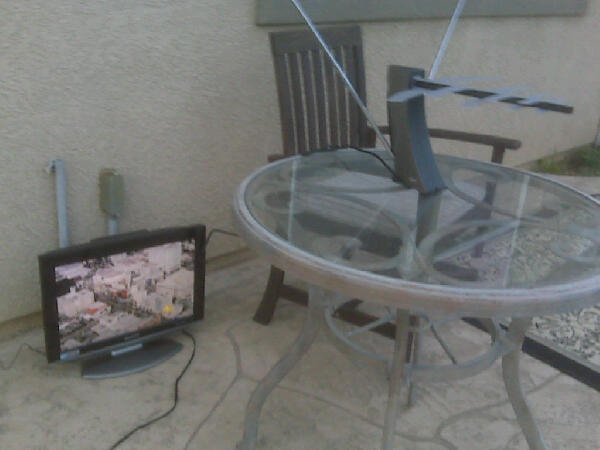
The "Terk test"
With Jeff’s good counsel and a shot of optimism, I obtained a simple Terk amplified antenna to determine the availability of OTA-HD at our home. If I was so, ahem, endowed, I would take the next step and get a larger antenna. If I wasn’t so endowed (a state which doesn’t bother me one bit, BTW), I would return the antenna to a gracious retailer and continue pondering the challenge.
I plugged the antenna into a Costco-esque HDTV with a built-in tuner (very important; there are also varying quality tuners — more on this in a bit)… Eureka! The OTA-HD motherlode was mine for the taking!
The tabletop antenna proved we were able to receive at least the major networks. I consulted der Helmet, who after a brief moment of disbelief, advised it would be prudent to proceed to the next level of antenna – a Yagi. BTW, going from a Terk to a Yagi antenna is like going from a Vespa to a Ferarri.
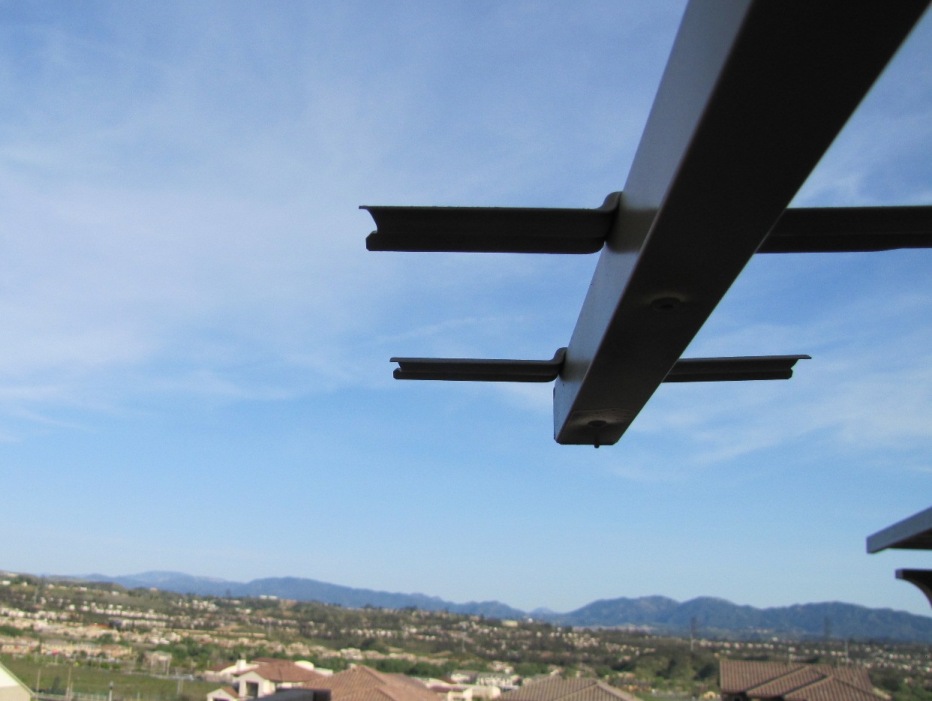
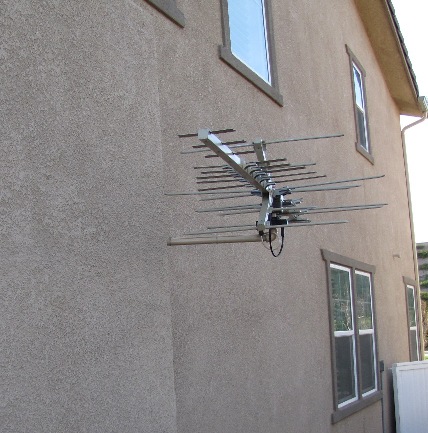
I obtained my Winegard Yagi antenna from Ted Lewis of Ted’s Master Antenna, located in SFV. Ted surveyed our location and used a fancy signal meter to determine our ability to pull OTA-HD. He validated the Terk test and said we would likely get between 30 and 50 channels with the Yagi. Ted built a mast, painted our antenna to match the home, mounted it, and fed the signal using existing conduit we had installed for the HDMI connection between components and TV. What about HOAs (the ones that Valencia is world famous for), you say? They can pound sand. The Telecommunications Act of 1996, the same law that prevents HOAs from restricting compact satellite dishes, protects homeowners and renters with antennas, as well. However, the Act suggests residents need to take reasonable steps to conceal an antenna, provided it doesn’t inhibit its function. Ted’s spray can took care of that, and it’s on the side of our home with very limited visibility from the street.

Most cable TV (or U-Verse, Dish, DirecTV, etc) packages offer the benefit of an integrated DVR. One option is to have the OTA-HD antenna go into a TiVo-type recorder, but that requires a monthly subscription. I opted instead for a home theater PC (HTPC) setup to manage TV show recordings, the guide, internet TV, Netflix, YouTube, SCVTalk, or any other content to display on the main TV. I purchased a SiliconDust “HDHomeRun” dual network tuner to tie the antenna signal to the HTPC, along with an extra large hard drive and a fancy keyboard/mouse remote control. The rig also has a more familiar IR remote that operates exactly the same as AT&T’s U-Verse remote.
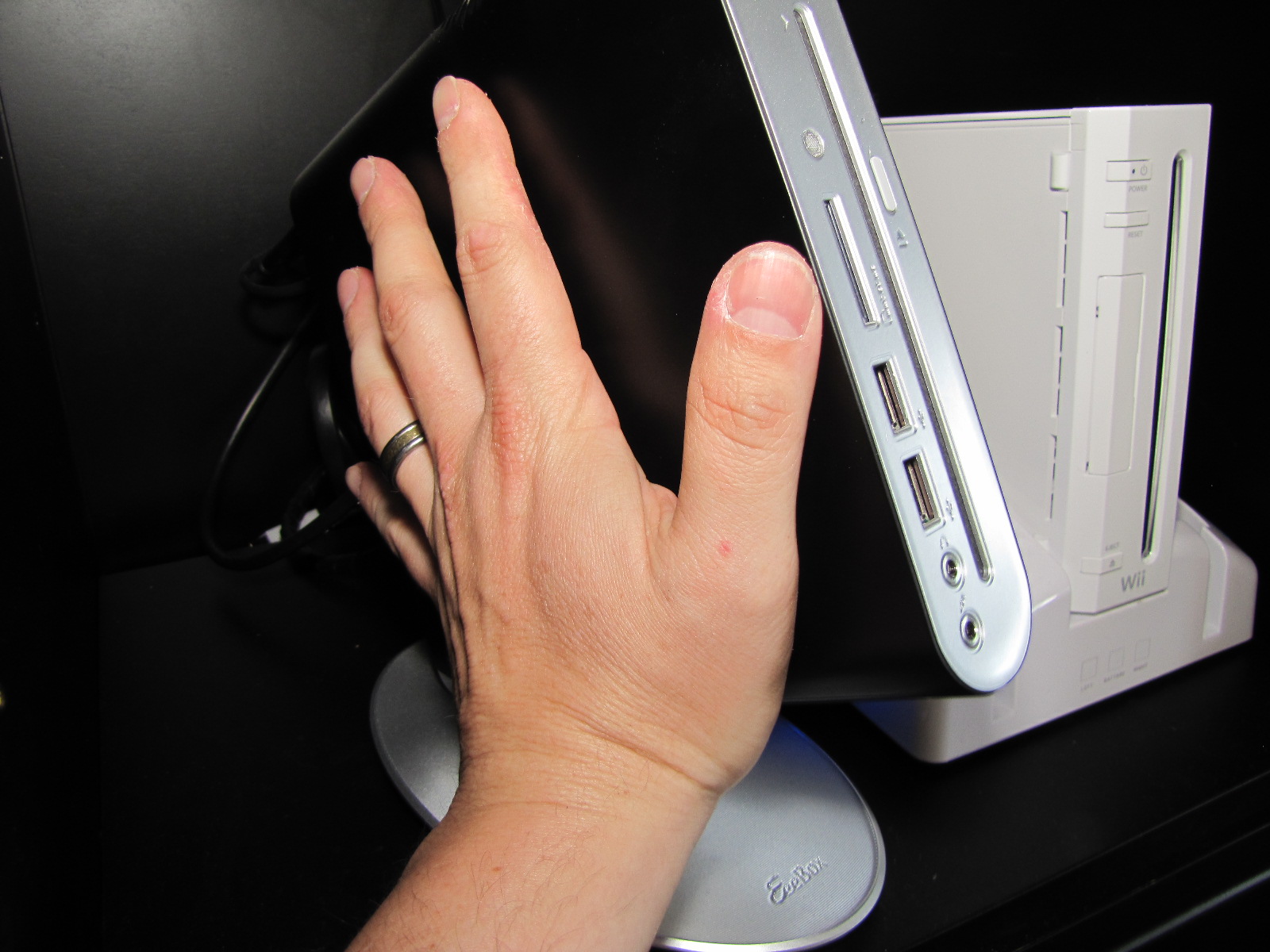
The Asus EB1501 has a built-in DVD player (not Blu-Ray... yet). The Wii and my hand are not included.
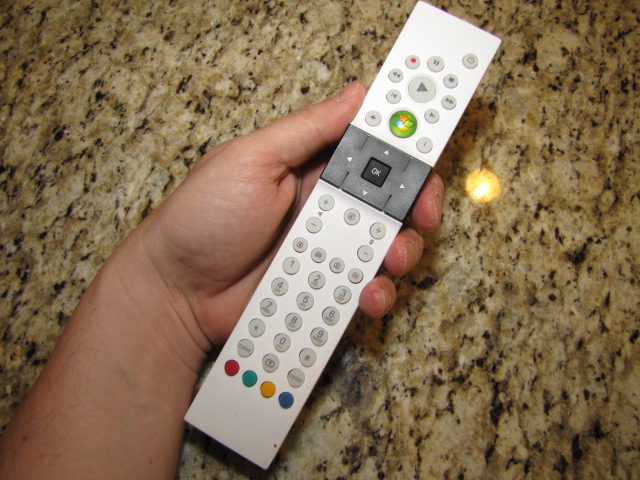
The Asus comes with this IR remote and a full size wireless keyboard/mouse.
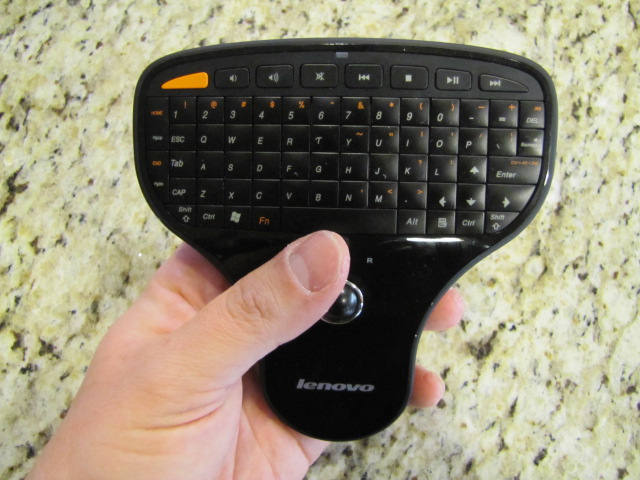
Lenovo makes this very cool keyboard mouse combo. Interface via USB RF.
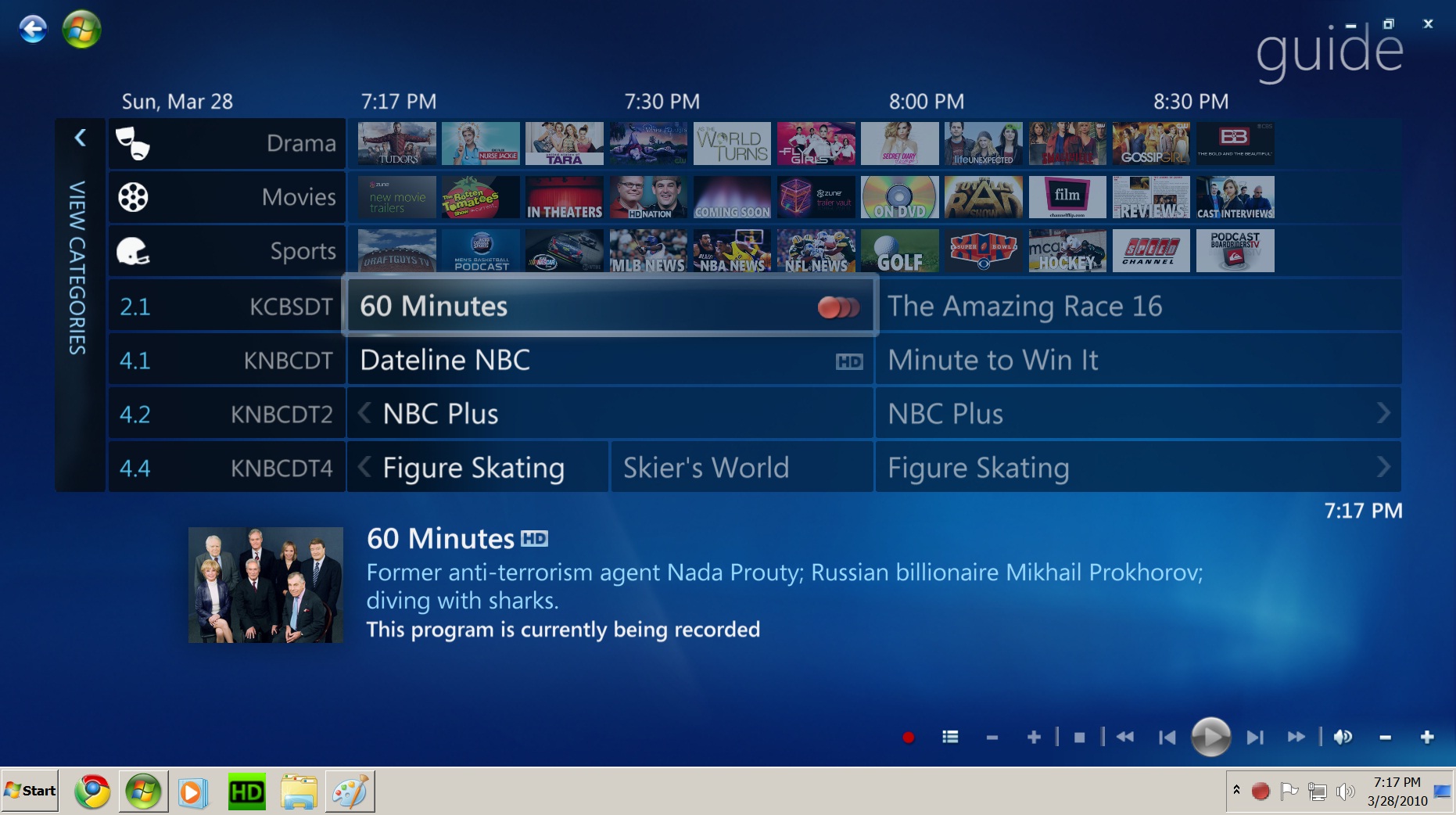
The DVR function in Windows Media Center has a very intuitive interface.
After installing the HTPC and network tuner, I did a channel scan and verified 47 channels with the Yagi. Some key channels were spotty; Antenna Ted added a special HD pre-amp to the rig to compensate for some loss in splitting the signal into a dual tuner (a must have for certain evenings when two great shows are on at the same time). After the pre-amp was installed, a re-scan showed 67 channels total. Of those 67, 5-10 are weak or unwatchable, and another 30-35 are non-English. The remaining ~25 are crystal clear and the content is surprisingly good (if you’re curious, here’s a channel line-up, click “Change my Location”, plug in your zip and select “Broadcast” as your provider).
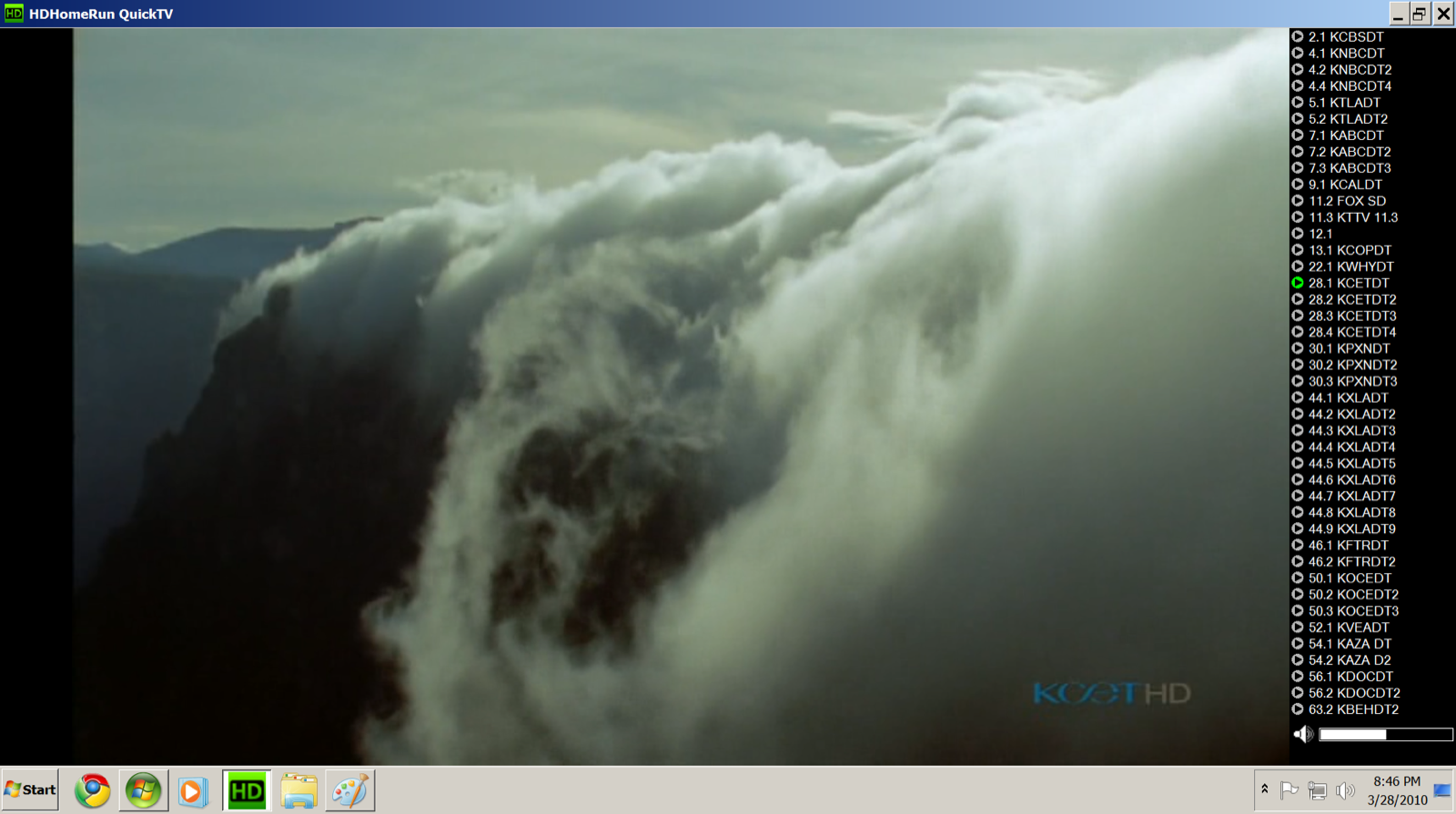
A still from live TV. Images are extremely crisp, no artifacts nor obvious pixelation. The image shown doesn't do the live experience justice.
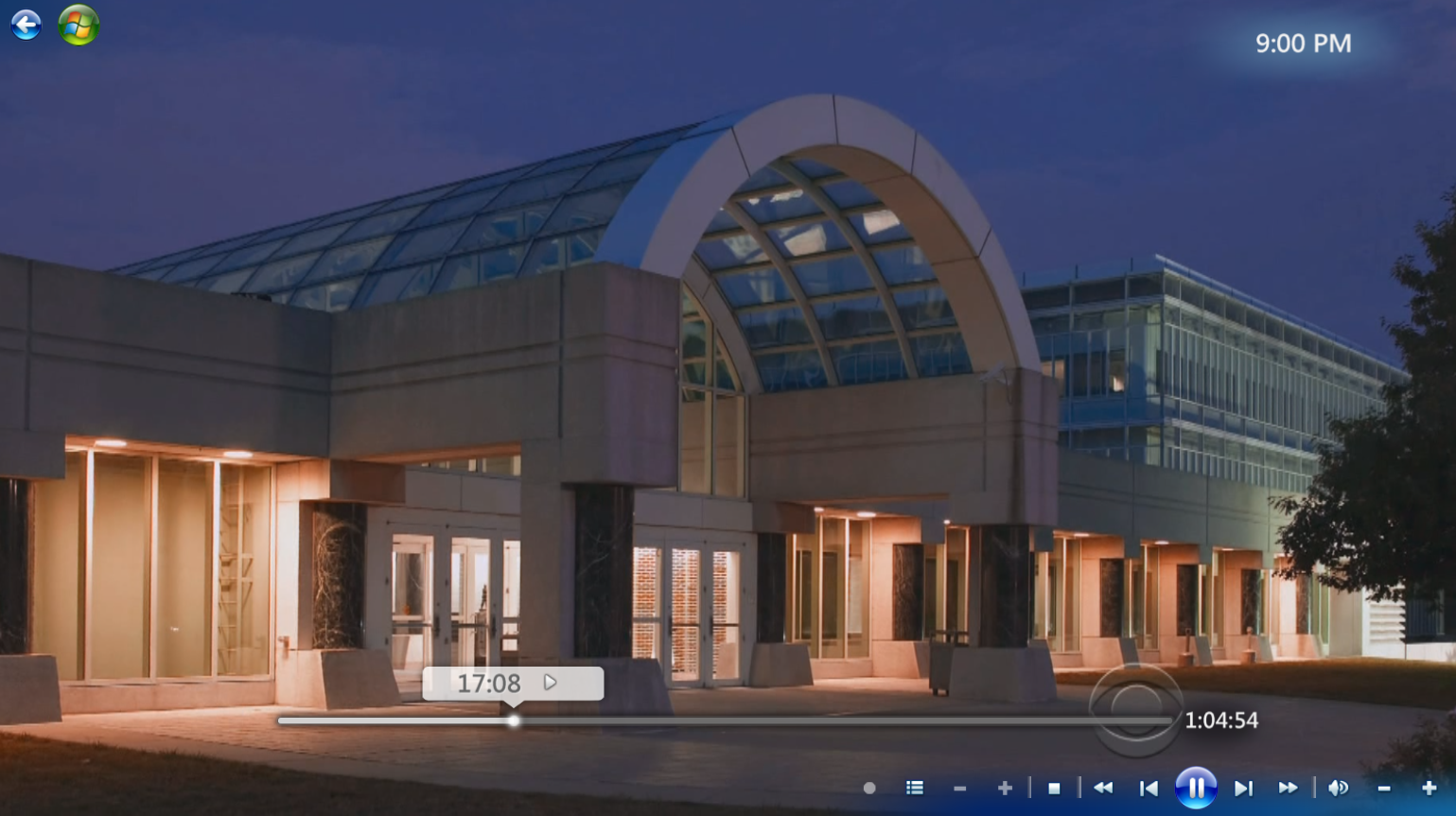
A still from a recorded program, which introduces more pixelated images due to the compression of the recording.
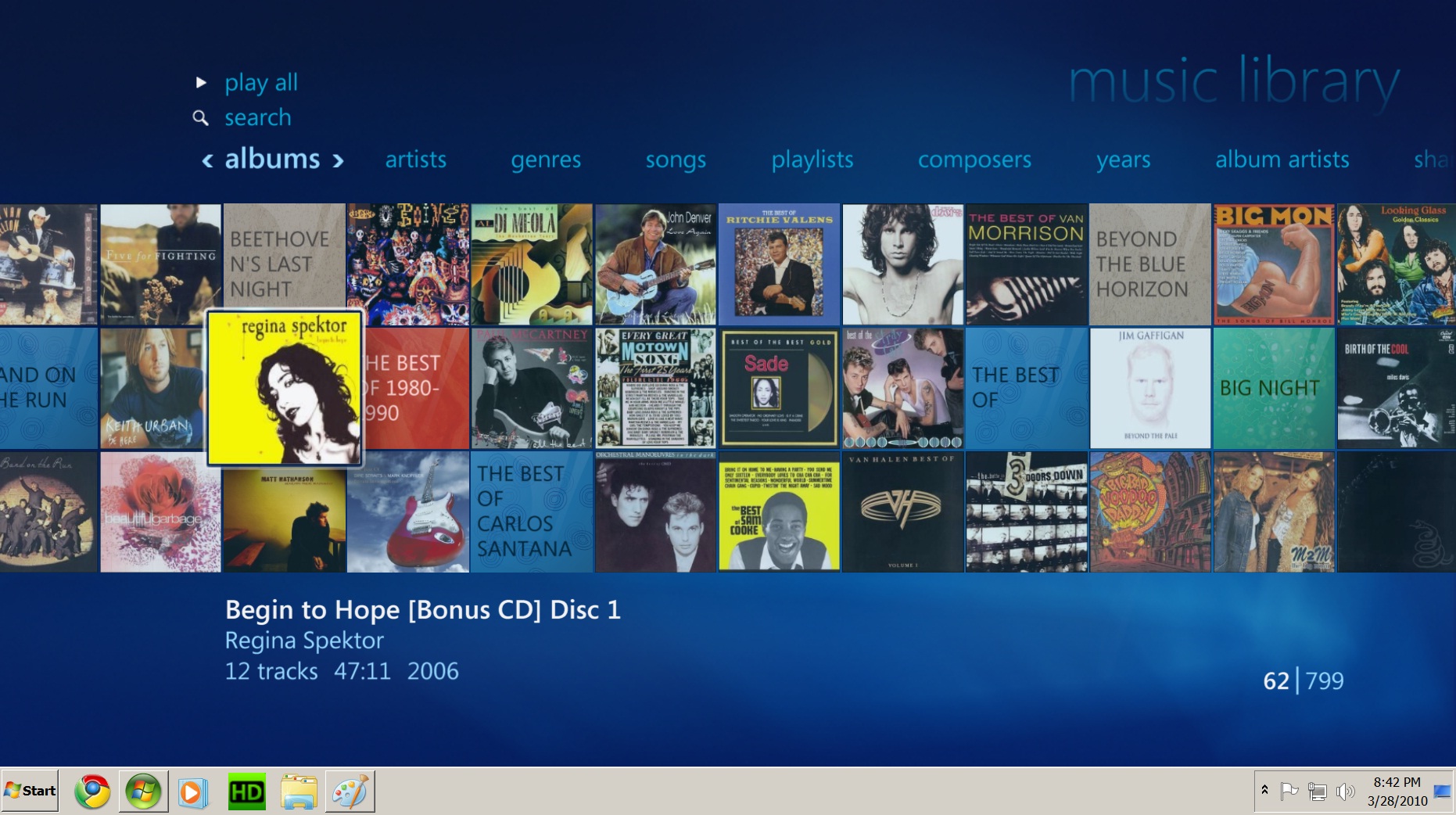
A bonus of using an HTPC is the integration of your own content. I selectively eliminated both Yanni and Kenny G from the partial display of my collection.
Despite its low power consumption and low-end CPU, the HTPC referenced above has an excellent graphics processor, an HDMI output, and 7.1 Dolby Digital audio outputs. All that, Windows 7, and a DVD player for less than $500. As a Media Center PC, it also serves as a home base for the family pictures, all our digital music, movies, etc – something your cable provider can’t do.
If you have doubts about the ability of a small computer to display an HD signal on a large screen, here is an image of recorded TV displayed on our 52″ Samsung 1080p LCD TV.
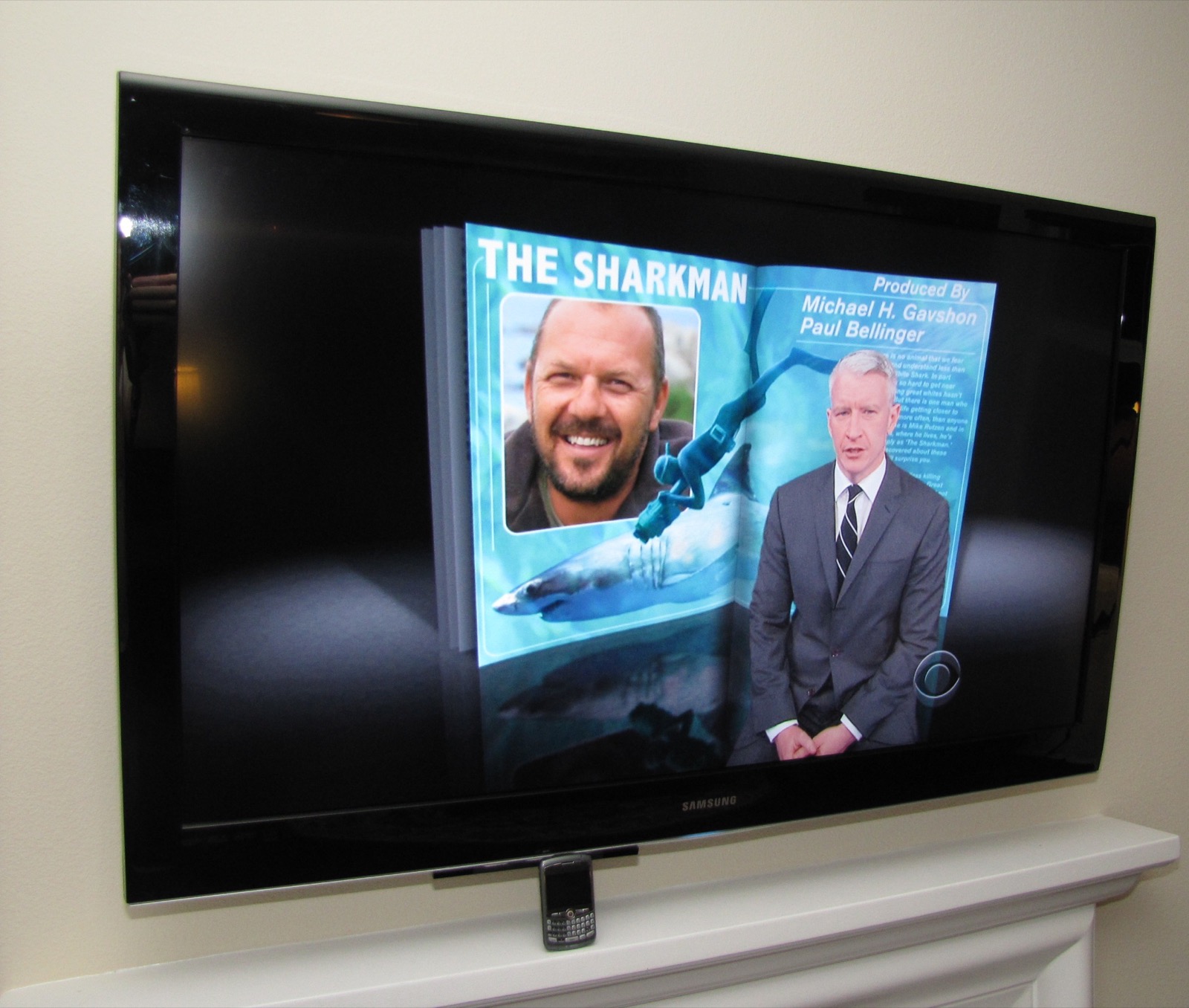
Due to extensive investments in home theater tech, sacrifices in cell phones were obviously made. Blackberry shown for size reference.
Does it meet expectations?
Mostly yes. There have been some teething issues with the new setup, generally pertaining to usual PC-type problems – computer going to standby, dreaded Windows updates, etc. But nothing we haven’t overcome. The content available over the internet is spotty and depends on a number of factors (your bandwidth, server bandwidth, content encoding, to name a few). Although most programming on your cable TV is available online, it is generally at a lower frame rate (so it appears stuttered or choppy) and the sound is mono or stereo. Cartoons and shorts are OK, but nothing comes close to OTA-HD thus far for image and sound quality. I suspect that will change over time, but in the interim, the OTA content is sufficient. One could easily pair this solution with an inexpensive Netflix subscription to bridge most of the gaps.
After two full weeks, we unplugged the U-Verse box but left it in the family room. A week later, the call I was waiting to make finally transpired. Side note: if you want to save a few dollars on your cable TV bill without going through all this hassle, just threaten to leave. I was transferred to three different departments each offering a “better deal” in an attempt to convince me to stay. Unfortunately “free” was not one of those options.
All in, the antenna, HTPC, tuner, accessories and labor cost just under $1,000. If you’re so inclined, you could have most of the same functionality for about 25% less by doing the antenna install yourself. With our cable package + HD + DVR, we were spending $80 per month with U-Verse. So the payback is 10-13 months. Those are roughly the same cost dynamics as buying a mower, edger and blower in lieu of hiring a gardener – without the sweat.
Will we last a year with this setup? I hope so. If not, I have an antenna and HTPC to sell you. CHEAP.
Pros:
- Monthly savings pays off investment in roughy one year’s time
- Better picture quality than cable, satellite, or U-Verse
- New and different channels (some of which you may not care for)
- Adds media center functionality, such as pictures, music, movies in a central location
- TV and recorded programming available on laptops, TV screens, and portable devices
- Ready for a transition to more content via internet
Cons:
- OTA-HD not available for all Claritans, and some will get a varying number of channels
- Requires an up-front investment of time and money
- May involve an increase in internet bandwidth to supplement OTA-HD content, for example with Netflix
- Internet content quality varies greatly
- Technical learning curve not for the faint of heart
- Requires the support of others in your household
Comments
18 · as published